Decide what continues when the connection stops
Before entering a park segment, make the next practical action independent of a live lookup. Keep the next lodging address, booking reference, saved directions and group meeting arrangement available to the people who need them. Open the saved items while offline before relying on them. “I downloaded something” is weaker preparation than knowing that the correct resource is available on the device carrying it.
If one traveler carries the phone that shares data, give the others the essential trip details too. A working hotspot at a town stop does not make that phone a permanent group lifeline. Agree where and when to regroup if messages do not arrive. These are editorial planning steps, not claims that any phone service will remain available or that a travel plan includes a separate satellite feature.
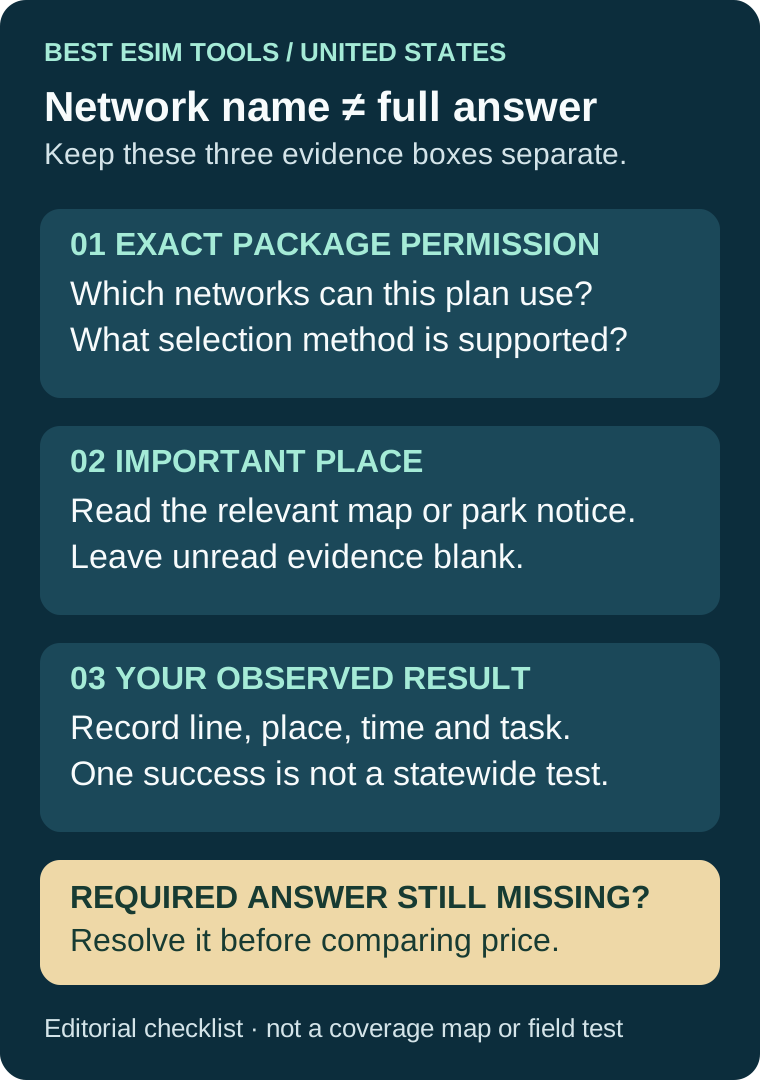
Use current official guidance for each park on the actual route. Yellowstone is the specific example verified here. Do not copy its service description onto Yosemite, a city hotel or a different road. If the route changes, check the new stop rather than treating the original preparation as universal. A larger data allowance answers how much you can use where service works; it does not supply evidence for a missing local connection.
Separate a city success from a park interruption
Imagine a traveler whose selected US line loads a fresh booking page at the first city stop, then loses service on a later park segment. This is a hypothetical case, not a trip we tested. Retain the city result and add the later failure with its place and time. Do not erase the success or declare the whole installation defective solely because the location changed.
The next question is narrower: did the same purchased profile stop registering, or did an online task fail after registration? Give the provider that observation and the previously documented access instruction. Do not invent an attached carrier if the phone does not show one. Follow only the provider's supported next step; the generic device workflow belongs in our existing activation guide.
A work stop needs its own acceptance task
For a traveler working from a US accommodation, name the essential task before buying. A small web request on the phone is not the same acceptance test as a laptop meeting through a permitted hotspot. Record phone data, shared-device internet and the work application as separate results. If the phone succeeds but the laptop fails, use the hotspot guide rather than calling it a proven statewide coverage problem.
Keep an alternative arrangement for work that cannot be postponed, and verify that it will actually be available at the relevant time. An unspecified promise to “find Wi-Fi” is not a completed fallback. We do not claim that any particular US hotel supplies adequate internet; obtain that answer from the accommodation and test your application where possible.
Keep a two-observation handoff for the provider
Use two dated entries: the last place the intended task worked and the place it failed. For each, record the purchased package, selected data line, whether Wi-Fi was off, the task and visible result. Add any provider-approved network change only if you actually made it. Keep order references and device identifiers private. Do not post activation codes, QR images or complete account screens with the report.
Finish with a precise question: “This product worked at [first stop] and failed at [second stop] for [task], with [observed status]. Does my package permit another supported network here, and what should I try without removing the profile?” This is our reporting template, not a guarantee of recovery or a quoted support response. Retain the actual reply before changing the setup.